WiFi & Bettercap
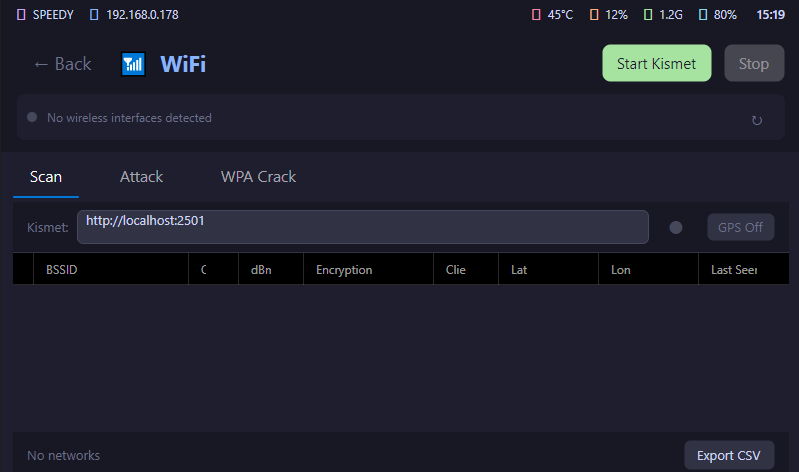
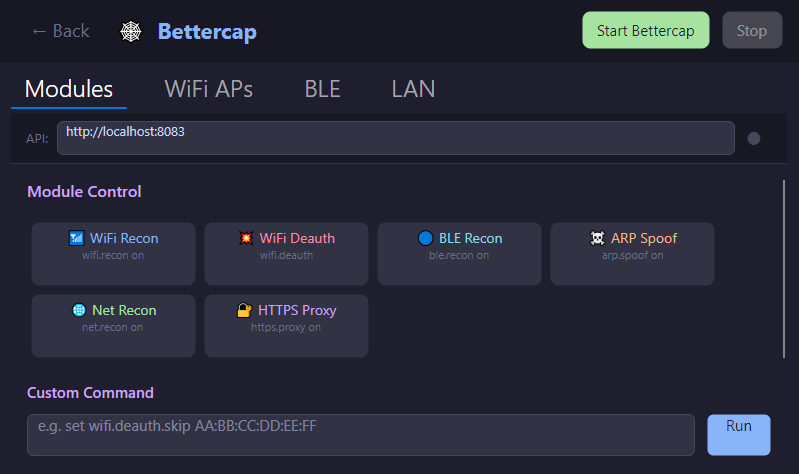
Discover networks, monitor interfaces, run focused wireless workflows, and move captured results into the engagement.
CoordOps Embed brings engagement context and hardware-local operations to touch screens, small displays, and embedded Linux systems—without forcing a desktop workflow into the field.
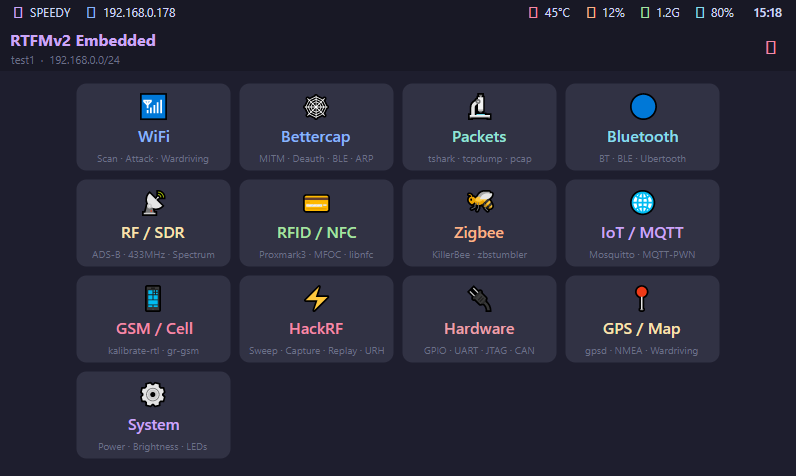
Large controls, persistent session context, and focused workflow pages keep physical-device operations usable on compact hardware.
Discover networks, monitor interfaces, run focused wireless workflows, and move captured results into the engagement.
Keep general SDR, GSM, and HackRF operations organized through dedicated touch-friendly controls.
Start, monitor, and manage capture workflows from the device while preserving the session and target context.
Work through short-range discovery and hardware interaction without switching to an unrelated operator interface.
Operate IoT protocols and hardware interfaces from the same field dashboard used for the rest of the engagement.
Combine position-aware field activity with wireless discovery and evidence capture on portable hardware.
Embed keeps navigation, status, and actions legible on the smaller displays used during hardware and wireless work.
Start or select the engagement context on the field device.
Move into the wireless, RF, capture, IoT, or system workflow required.
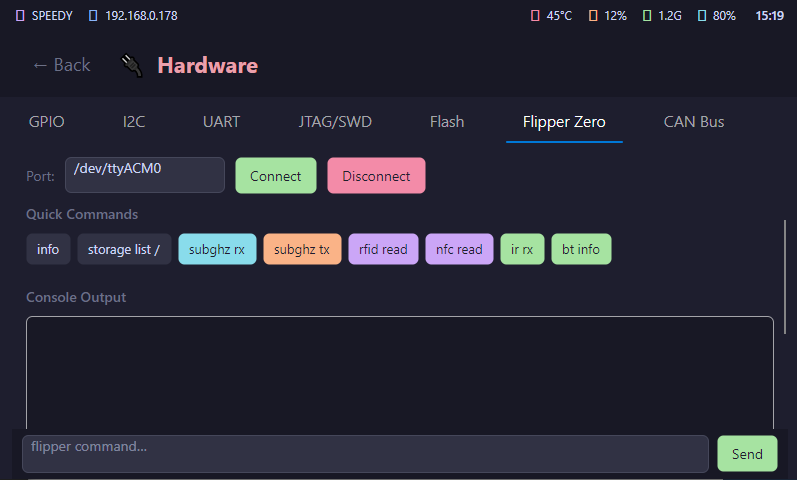
Run the operation where the radios, interfaces, and hardware are attached.
Keep output associated with the same CoordOps engagement model used by the team.
Review installation, session startup, touch behavior, and every supported field workflow from your licensed account.